A web3 wallet is a self-custody tool that keeps your keypair so you can sign transactions and connect to dApps, not a place where your coins are stored. In self-custody, about 59% of users used non-custodial wallets in 2025, while 41% used custodial wallets; the global crypto wallet market was about $12.59 billion in 2024 and is projected to reach $100.77 billion by 2033 (CoinLaw self-custody wallet statistics).
You're probably staring at a “Connect Wallet” button right now and wondering why it matters so much. The short answer is that the wallet is the thing that proves you control an address, lets you approve actions, and acts like your login, your signature, and your on-chain identity all at once.
Introduction to What a Web3 Wallet Really Does
The first time someone clicks Connect Wallet in a crypto app, the flow feels unfamiliar. There is no email box, no password reset, and no account in the usual sense. The app is asking a wallet to prove control of an address, so the experience is closer to signing a document than opening a bank account.
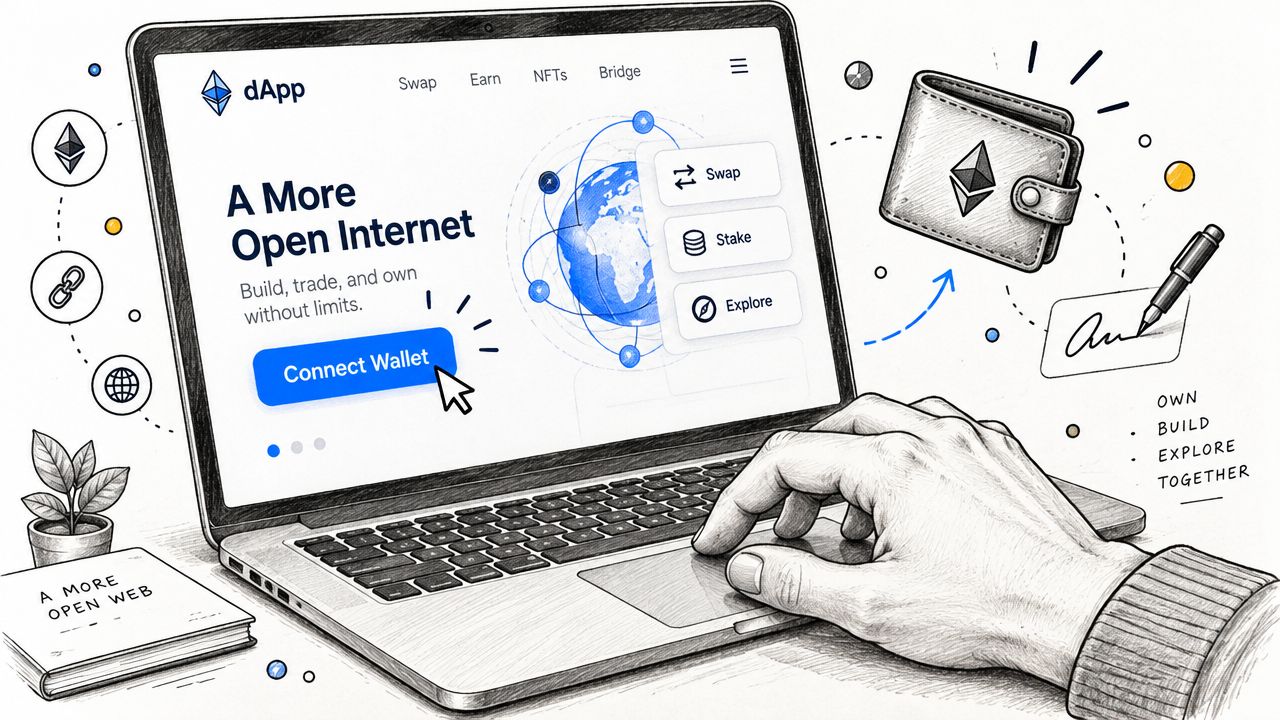
A web3 wallet is a self-custody software or hardware tool that manages a public and private key pair, lets you sign blockchain transactions and messages, and gives you the interface for dApp interactions (Changelly on web3 wallets). It tells a protocol, “I control this address,” without handing that control to the app itself.
That matters because the wallet is the layer you use for sending tokens, signing transactions, and connecting to decentralized apps. It also sits at the center of self-custody activity across trading, DeFi, NFTs, and on-chain identity (CoinLaw self-custody wallet statistics). In web3, the wallet works more like a passport than a piggy bank.
A bank app can show balances and help with account recovery. A web3 wallet works differently, because control stays with the key holder rather than a support desk. That design is why people use wallets to interact directly with protocols.
Practical rule: if a crypto app asks you to connect, that does not mean it can spend your funds. It usually means it can read your public address and balances, while spending still needs your signature.
A Solana user sees the split clearly. You can open Phantom, connect it to a swap app, and then separately approve the swap. Connection lets the app recognize your wallet. Approval is the part that signs the action.
How Web3 Wallets Work With Keys and Signing
A wallet works like a mailbox with two different parts. Your public address is the part others can see and use to send crypto, while your private key is the secret that lets you approve what leaves that address.
The wallet keeps that keypair and signs actions on your device before the signed transaction is sent to the network through an RPC node. The coins or tokens stay on-chain. What the wallet holds is the authority to move them.
The key idea
Whoever controls the private key controls outbound transfers, approvals, and contract interactions.
That is why non-custodial ownership is really about signing authority, not where the assets “sit.” If your wallet app signs because you hold the secret key, you control the account. If a third party holds the key, that third party controls the account.
A seed phrase sits above that system as the recovery backup. It is the word set that can restore the wallet on another device. Guard it carefully. If you lose it, you can lock yourself out. If you share it, someone else can take over.
A small flow makes the process clearer.
- You create or import a wallet.
- The wallet generates or restores a keypair.
- Your public address is shared with others.
- You approve a transfer or message by signing it locally.
- The network receives the signed action and checks it.
Solana wallets show this clearly. In Phantom, for example, connecting to a swap app only lets the app recognize your wallet. The swap still needs your approval, because approval is the signing step. A connection request can read your address and balances, but it cannot spend funds by itself.
That is the core of a web3 wallet. It is a signer, not a storage shelf.
Custodial vs Non Custodial Wallets Compared
This is the choice that confuses, because both options can show balances and send crypto. The difference is who holds the keys and who signs.
A non-custodial wallet gives you control of the private key, so you sign directly. A custodial wallet keeps the keys with a third party, such as an exchange, and that platform signs for you (QuickNode on custodial and non-custodial wallets). In practice, that means a Phantom user signs their own Solana swap, while an exchange wallet usually depends on the exchange to authorize movement.
| Custodial vs Non Custodial Wallet Comparison | Non Custodial Wallet | Custodial Wallet |
|---|---|---|
| Feature | You hold the private key and sign yourself | A third party holds the key and signs for you |
| Recovery | Usually depends on your backup and wallet design | Usually depends on platform account recovery |
| Control | Higher control over approvals and transfers | Less direct control, more platform dependence |
| Best fit | dApps, DeFi, NFTs, on-chain identity | Beginners who want a simpler account experience |
How to choose without overthinking it
If you want to use DeFi apps, NFT marketplaces, or on-chain tools, non-custodial is the normal path. If you mainly want a simple trading account and don't want to manage keys yet, custodial can feel easier. The trade-off is that convenience comes with less direct control.
A practical example helps. If you hold SOL in a self-custody wallet, you can sign a swap directly from your phone. If the same funds sit in an exchange wallet, you're asking the exchange to approve the action on your behalf.
Good habit: match the wallet type to the job. Use custodial for convenience, use non-custodial when you need direct web3 access.
Common Web3 Wallet Interactions With dApps
A wallet connection usually starts with a harmless-looking button. You click Connect Wallet, the app asks for your public address, and it can often read your balances or recognize your account. That part is about visibility, not spending power (Coin98 on dApp permissions and token approvals).
The next step is where people get tripped up. A dApp might ask you to sign a message or sign a transaction, and those are not the same thing. Message signing proves you control the wallet. Transaction signing authorizes a blockchain action.
Read access first, spending permission later
A DeFi app can show your token balance as soon as you connect. It still can't move funds unless you approve a transfer or another on-chain action. That's why the phrase “connected” should never be read as “fully trusted.”
A Solana swap is a clean example. You connect Phantom, the app reads your wallet, then you separately approve the swap details before the transaction goes on-chain. In an ERC-20 flow, you may also need a token approval before the app can move a token, and that approval is a separate signed action.
Where tooling fits
Solana-specific tools make this easier to understand. A trading terminal can let you review a token, then connect a wallet, then sign a swap from the same flow. API-based tools such as the Raptor Swap API can also route swaps across multiple DEXes while still relying on the wallet signature at the final step.
The same idea applies to wallet tracking. Solana Tracker's wallet page shows portfolio, PnL, trades, and activity for a public address, and its wallet tracking page is built around that read-only connection model.
Practical rule: if a prompt asks for a signature, read the details first. If the prompt asks for broad spending authority, pause and check whether that's really needed.
Security Best Practices and Recovery Essentials
A wallet can be safe one moment and exposed the next, usually at the signing screen. In CertiK HACK3D report, web3 security losses were described as large enough to make wallet hygiene a daily habit, not a side note. The same report also tied a major share of losses to wallet compromise.
The more ordinary threat is phishing. A CoinTribune summary of Scam Sniffer and Chainalysis findings said wallet-drainer losses were still significant, and it noted that personal wallet compromises rose while victims increased on chains like Solana. That is why a fake approval page can be more dangerous than a dramatic hack. If someone tricks you into signing the wrong message, the wallet does exactly what you authorized.
Recovery is the part many guides skip
Losing access is common enough to plan for. A PMC research on wallet recovery found that many crypto holders had lost access to a wallet or account, and a portion never got the funds back. Seed phrases and backups are not just setup steps, they are the difference between a temporary problem and a permanent loss.
Recovery tools now go beyond one secret phrase. Multisig can require a threshold such as 3-of-5 signatures. MPC splits signing across key shares. Social recovery can use guardians and a timelock such as 24–48 hours (Chainscore Labs on MPC and wallet recovery). A startup treasury might use several approvers, while an individual wallet can rely on guardians if one device is lost.
A short safety checklist
- Check the exact action: read the prompt before you sign, especially for token approvals.
- Guard the seed phrase: store it offline and never paste it into chats or websites.
- Watch for fake urgency: scammers rely on rushed clicks and rushed signatures.
- Revoke old permissions: remove allowances you no longer need.
- Use backup paths: choose a wallet with multisig, MPC, or social recovery if losing access would hurt.
Security in web3 is really about signing with intent, then making sure recovery is ready if the first key disappears.
Solana Wallet Considerations and Developer Integrations
Solana changes the wallet conversation in a useful way, because the signing flow is fast and often tied to trading tools. A Solana wallet still works the same at the core, it holds the keypair and signs actions, but the ecosystem leans hard into quick swaps, token launches, and programmatic routing.
Popular Solana wallets like Phantom and other self-custody options are used to authorize SPL token transfers, swaps, and app connections. The practical difference is that fees and approvals can show up in a very lean interface, so users need to read the signing prompt carefully before confirming. A connected wallet gives an app visibility, but the signature is still the final gate.
Developers use the same model programmatically. A swap app can route orders through aggregator logic, then ask the wallet to sign, while tools like the Raptor Swap API expose the same execution flow across 20+ Solana DEXes. That means a bot, a dashboard, or a trading terminal can all depend on the same underlying wallet authority, just wrapped in different interfaces.
For traders, risk matters at signing time. Solana Tracker's Trading Terminal combines real-time charts, one-click swaps, and rug detection, so the wallet action happens in the same place as the market view. For developers, the Data API, Datastream, Solana RPC, and RidgeDB V2 methods make it easier to read wallet and market activity without changing the signing model. If you want a wallet-oriented starting point, the product's wallet page is here: https://www.solanatracker.io/wallet.
What Solana users should look for
- Fast signing flow: the wallet should support the apps you use.
- Clear approval screens: you need to see what the transaction is doing before you sign.
- Tracking support: wallet and trade visibility helps when you're monitoring activity.
- Risk signals: tools that surface token warnings can reduce bad clicks.
Solana wallets aren't special because they break the rules, they're useful because they make the signing rules easier to use in real trading setups.
Choosing Your Web3 Wallet and Next Steps
The easiest choice is the one that matches your habits. If you trade often, a self-custody wallet makes sense because you need direct signing. If you mostly hold and want more safety around access, a wallet with stronger recovery options fits better. If you're building, pick a wallet and toolset that let you test signing, read balances, and follow approvals without confusion.
Three starter setups cover users. A trader can use a self-custody Solana wallet for swaps and a trusted tracking tool for monitoring. A collector can keep a main wallet for NFTs and a separate wallet for active browsing. A builder can keep a clean wallet for testing dApps and another for daily use.
Your next moves should be simple. Back up the seed phrase offline, test with a small transaction, and connect only to dApps you recognize. If you're on Solana, use a trusted interface and verify every signature before you confirm it.
Mastering the wallet is really about mastering signing authority. Once that clicks, DeFi, NFTs, and on-chain identity stop feeling mysterious and start feeling usable.
Solana Tracker gives you a place to watch wallets, review market activity, and move from reading balances to understanding real on-chain behavior. If you want to connect the ideas in this guide to live Solana tools, visit Solana Tracker and explore the trading terminal, wallet tracking, and developer features for yourself.