You've opened an exchange, searched for SOL, and now you're staring at unfamiliar choices: market order, limit order, network, wallet address, and withdrawal fee. You only wanted enough SOL to trade, stake, or use a Solana app. The safest route isn't complicated, but it does require doing the steps in the right order.
This guide shows how to buy SOL from account setup through self-custody, on-chain swapping, transaction checks, and portfolio monitoring. You'll also see when native SOL makes more sense than a regulated wrapper, and why the cheapest-looking buy button isn't always the cheapest execution.
Introduction to Buying SOL Without the Guesswork
A beginner often makes the same mistake: buying SOL directly on an exchange, withdrawing it immediately, and only then discovering that the wallet needs SOL to approve an on-chain swap or transaction. Solana fees are very low, and the Solana Foundation's explanation of transaction fees notes that most users need only a small amount of SOL for network fees. The important detail is that those fees must be paid in SOL, not USDC or another SPL token.
SOL is no longer a niche asset. Solana's mainnet beta launched in March 2020, and its first block was created on March 16, 2020, according to this historical SOL market overview. By September 2021, its market capitalization had surpassed $63 billion, then reached $74 billion in early November 2021. The same source records a 2021 price rise of nearly 12,000%, reaching $259.96. By 2026, market data still tracked roughly 590 million circulating SOL and a market capitalization above $58 billion.
That history matters because buying SOL today usually means choosing between several forms of exposure:
- Native SOL: Tokens you can withdraw, stake, use in DeFi, or hold in a Solana wallet.
- Exchange custody: Convenient, but the platform controls the private keys.
- Regulated wrappers: Solana ETF products can provide price exposure without requiring wallet management, but they don't give you native SOL for staking or on-chain use.
The practical workflow has four jobs: create a wallet, fund it, execute the purchase, and verify what you sign. Follow those jobs in order, start with a small amount, and treat every address and transaction prompt as something to inspect rather than blindly approve.
Create and Configure Your Solana Wallet the Right Way
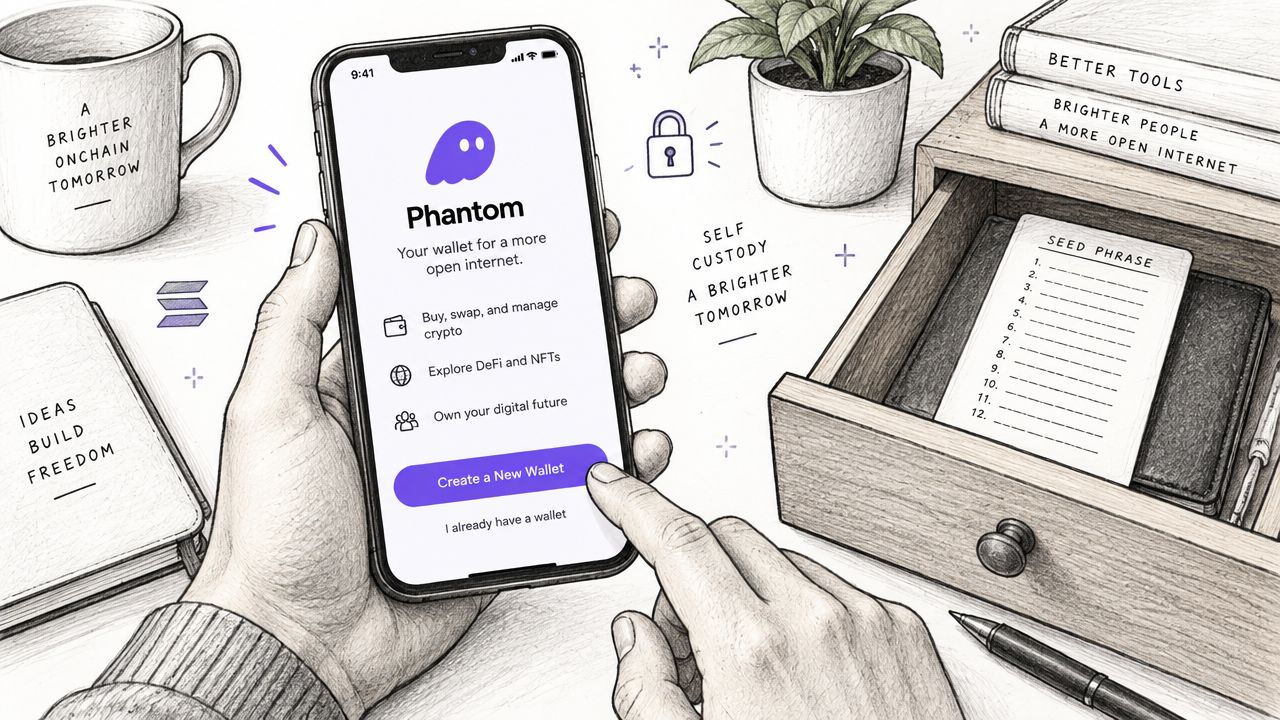
A self-custody wallet puts control of your SOL in your hands, along with responsibility for the recovery phrase. Phantom is a common Solana wallet, and the same setup rules apply to other non-custodial wallets.
Set up the wallet
Install the wallet through its official distribution channel. Create a new wallet, write the recovery phrase on paper, and store it offline somewhere it cannot be photographed, uploaded, or saved in cloud notes. Anyone who obtains the phrase can control the wallet. No wallet provider or exchange can reverse a transfer made by that person.
Before adding funds, confirm that the wallet is set to the Solana network. Copy the SOL receiving address with the wallet's copy button instead of typing it. A Solana wallet funding guide also describes copying the deposit address and using a direct “deposit from exchange” option when the exchange supports it.
Test the address before sending the full amount
If you plan to move $50 of SOL from an exchange, start with a small test transfer. Confirm that it reaches Phantom before sending the remainder. Compare the first and last characters of the destination address on both screens.
Exchange withdrawals can include a fee around 0.01 to 0.02 SOL, roughly $1 to $2. The charge varies by platform and may change, so check the final withdrawal screen before confirming. A small test transaction costs less than correcting a transfer sent to the wrong address.
Practical rule: Keep a small SOL balance separate from the amount you plan to swap. USDC can remain in the wallet, but it cannot pay Solana network fees.
Address poisoning adds another reason to verify every transfer manually. Attackers may send transactions involving lookalike addresses, hoping you choose one from your recent history. Paste the address copied from your wallet, check it character by character at the beginning and end, and do not trust an address merely because it looks familiar. These checks also matter when you later use a DEX or Solana Tracker, where a rushed approval can send funds to the wrong destination.
Fund Your Wallet and Execute Your First SOL Purchase
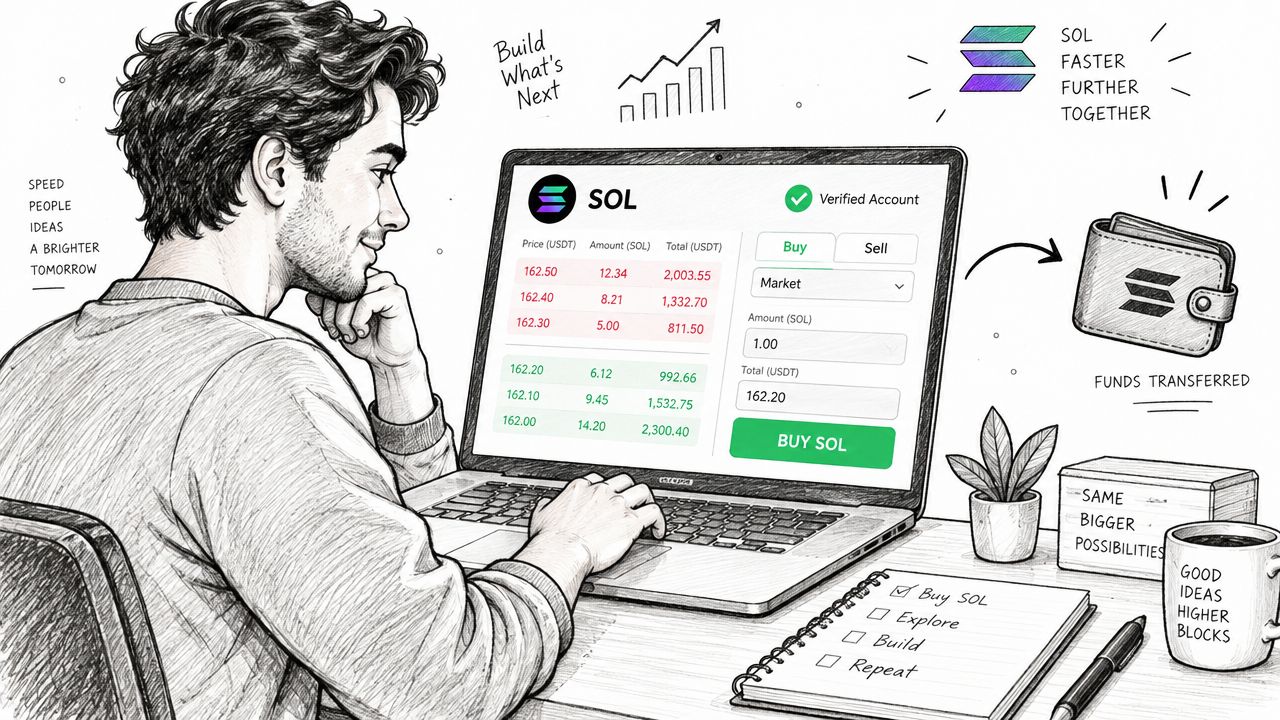
The simple route is straightforward. Create an account with a reputable centralized exchange available in your jurisdiction, complete identity verification, deposit fiat, search for SOL, and choose an order type. A practical SOL buying guide confirms that buyers can use market or limit orders and purchase a fraction of a SOL rather than a whole token.
Choose the order that matches your goal
A market order prioritizes immediate execution. It's useful when you need SOL now, but the final fill can vary with liquidity and the spread shown by the platform. A limit order lets you specify the price you're willing to pay, though it may remain unfilled if the market doesn't reach that price.
| Method | Best For | Tradeoff | Example |
|---|---|---|---|
| Market order | Immediate execution | Price can move before the order fills | Buy a small SOL amount before using a Solana app |
| Limit order | Price control | The order may not execute | Set a target entry below the current quote |
| Advanced exchange order | Lower-cost execution | More settings to understand | Buy USDC using the exchange's advanced venue |
| USDC followed by an on-chain swap | Comparing routes and spreads | Requires a wallet and SOL for gas | Withdraw USDC, then swap it for SOL |
The exchange's basic “buy crypto” interface is convenient, but it can include a wider retail spread. A practical cost-saving route is to buy USDC on the exchange's advanced or pro venue, withdraw that USDC to your Solana wallet, and swap it into SOL on-chain. The documented USDC-to-SOL workflow is designed to reduce spread and execution costs by separating the exchange purchase from the final Solana swap.
Use the two-step route carefully
For example, you buy $100 of USDC on an advanced exchange market, withdraw it over the Solana network, and confirm that the USDC appears in your wallet. Keep a small SOL balance in that wallet before attempting the swap. If the wallet holds only USDC, the swap can fail because the transaction fee must be paid in SOL.
Don't confuse the exchange withdrawal network with another chain. Select Solana when withdrawing Solana-native USDC, confirm the destination address, and check the received token before swapping. This route adds a few steps, but it gives you more control over the exchange execution and the on-chain conversion.
Swap for SOL on a DEX With One Click Using Solana Tracker
Once USDC is in your Solana wallet, a DEX aggregator can search multiple venues instead of making you compare pools manually. Solana Tracker's trading terminal and Raptor Swap API route across 20+ Solana DEXes, according to the publisher's product information. That matters when two pools show different prices, liquidity, or route quality.
Open the Solana Tracker swap interface, connect your wallet, select USDC as the input token and SOL as the output token, then enter the amount. A practical example is swapping $100 USDC into SOL. Before signing, inspect the quoted output, route, price impact, and slippage setting.
Compare aggregation with manual routing
Manual routing can work if you already know which pool you want and understand its liquidity. It also creates more room for mistakes, especially when you're switching between DEX interfaces or approving unfamiliar token programs.
| Route | What happens | Suitable use |
|---|---|---|
| Aggregated swap | One interface checks available Solana DEX routes | Routine SOL purchases from USDC |
| Manual DEX swap | You choose the venue and pool yourself | Experienced traders inspecting a specific pool |
| Raptor Swap API | An application requests a routed swap programmatically | Bots, wallets, and developer workflows |
The network fee itself is generally tiny. The larger execution risks usually come from slippage, poor liquidity, the wrong token address, or signing a malicious transaction. Set slippage according to the asset and market conditions, not because a token page recommends an aggressive setting.
Preview before you approve
Review the transaction simulation if your wallet provides one. You should understand which token leaves the wallet, which token arrives, and whether the transaction requests an authority or approval that doesn't match the swap. If the output is unexpectedly low, the route changes, or the wallet displays an unfamiliar authorization, reject the transaction and investigate.
A one-click interface saves time, but it doesn't remove the need for judgment. Aggregation handles route discovery. You still control the wallet connection, slippage, token selection, and signature.
Stay Safe After You Buy With Tracking and Rugcheck
Buying SOL is usually the easy part. The dangerous moment often comes afterward, when a trader connects a wallet to a fake airdrop page, signs an authority transfer, or buys a new token without checking its contract and wallet behavior.
Independent security analysis recommends verifying the transaction counterparty and simulating the transaction before signing. The Solana phishing and transaction-security analysis identifies common attack patterns including malicious signatures, fake airdrops, authority transfers, and address poisoning. It also reports that only about 40% of exchange users enable two-factor authentication, while approximately 39% of exchanges experienced a breach in 2024, so account security deserves attention even when you keep assets on an exchange.
Check the token before adding money
If you swap into a newly launched Solana token, run a Rugcheck review before increasing the position. Solana Tracker's Rugcheck tool provides a 1 to 10 risk score across 20+ risk factors, including signals related to snipers, bundlers, insider wallets, and mint or freeze authority status.
The score isn't a guarantee. Treat it as a screening layer. A concerning authority status, concentrated insider ownership, or suspicious early trading pattern should make you pause rather than add funds because the chart is moving quickly.
Simulate and monitor
Before signing any unfamiliar transaction:
- Verify the counterparty: Confirm the destination and token program through a trusted interface.
- Read the simulation: Look for unexpected transfers, approvals, or authority changes.
- Reject fake rewards: Airdrop pages that demand a wallet signature can be phishing traps.
- Enable two-factor authentication: Protect exchange accounts with an authenticator-based method where available.
- Track balances: Use portfolio tracking to notice unexpected token movements or approvals.
Portfolio tracking is most useful when it becomes a habit. After swapping a new token, record the entry, monitor the wallet activity, and check whether the position changes in a way you didn't authorize. A tracker can show what happened, but you still need to decide whether an unfamiliar transaction was legitimate.
Your Quick Checklist for Buying SOL Confidently
A repeatable SOL purchase should feel boring. Boring means you verified the network, tested the address, checked the route, and didn't sign a transaction you couldn't explain.
Use this short checklist before each purchase:
- Wallet backup: Store the recovery phrase offline and never share it.
- Network check: Confirm that deposits and withdrawals use Solana.
- Gas reserve: Keep a small SOL balance for fees before swapping USDC.
- Order choice: Use a market order for immediate execution or a limit order for price control.
- Cost comparison: Review the spread, withdrawal charge, and swap quote instead of judging only the displayed fee.
- Small test: Test a new wallet address or transfer before sending the full amount.
- Route review: Compare the final output and slippage before approving the swap.
- Security scan: Check the token, authority status, and risk signals before buying an unfamiliar asset.
- Portfolio monitoring: Watch wallet activity after the trade and investigate anything unexpected.
Simple-buy crypto platforms may charge roughly 0.4% to 2% in fees, according to recent SOL buying-cost coverage. Advanced exchange execution can be cheaper, but you'll need to understand order books and withdrawals. The two-step USDC route can make sense for buyers who want exchange execution first and wallet-based control afterward.
If you only want price exposure, a regulated Solana ETF wrapper may be more convenient. Recent coverage says the first U.S. spot Solana ETFs began trading in late 2025, after SEC generic listing standards shortened approval timelines to about 75 days, as reported in this Solana ETF market update. ETF-style products were marketed with expense ratios around 0.19% to 0.3% in 2026, but they don't provide native SOL for staking, DeFi, or direct Solana app use.
Solana Tracker combines one-click swaps, portfolio tracking, DEX routing across 20+ Solana venues, and Rugcheck risk signals in a single trading workflow. Visit Solana Tracker before your next SOL purchase, connect only after verifying the site, and use its route and risk information as part of your normal buy-and-monitor routine.